Project
SaaS Onboarding
Timeline
Jun - Oct 2025
My Role
Senior Product Designer
Industry
Gaming & Technology
Overview
New users were spending just 6 minutes in GameMaker before leaving and rarely returning. Technical limitations meant we couldn't add onboarding directly into the engine, so we partnered with Opera GX to build a browser-based sandbox app that teaches core workflows while actually being fun to use.
I pitched the idea of creating a web based learning app to create a scalable hub for multiple tutorials, creating the initial IDE flow and design system. After testing this then became a sandbox playground.

Drop off
96% of new users fell off GameMaker within their first session

Limitations
Legacy codebase made in-app onboarding impossible

Get New Users
If we get new users perhaps the retention will improve?

A New Product
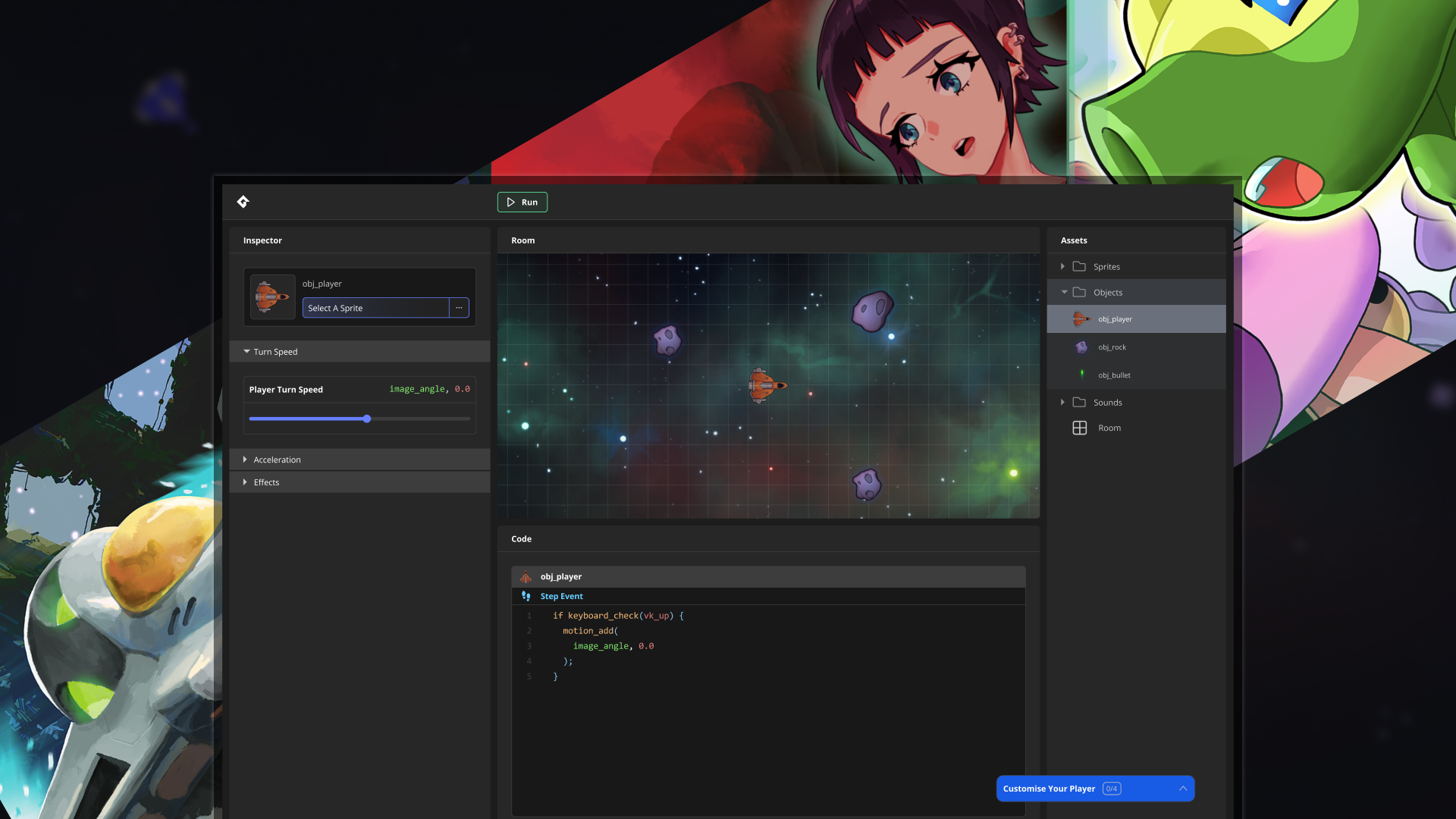
An external web platform that lets users remix an arcade game, teaching fundamental GameMaker IDE flows through play instead of instruction.
We have just launched (Nov 25) and are still collecting results
Started with a mobile-first approach to maximise reach, but instantly caused problems when trying to funnel users into the IDE.
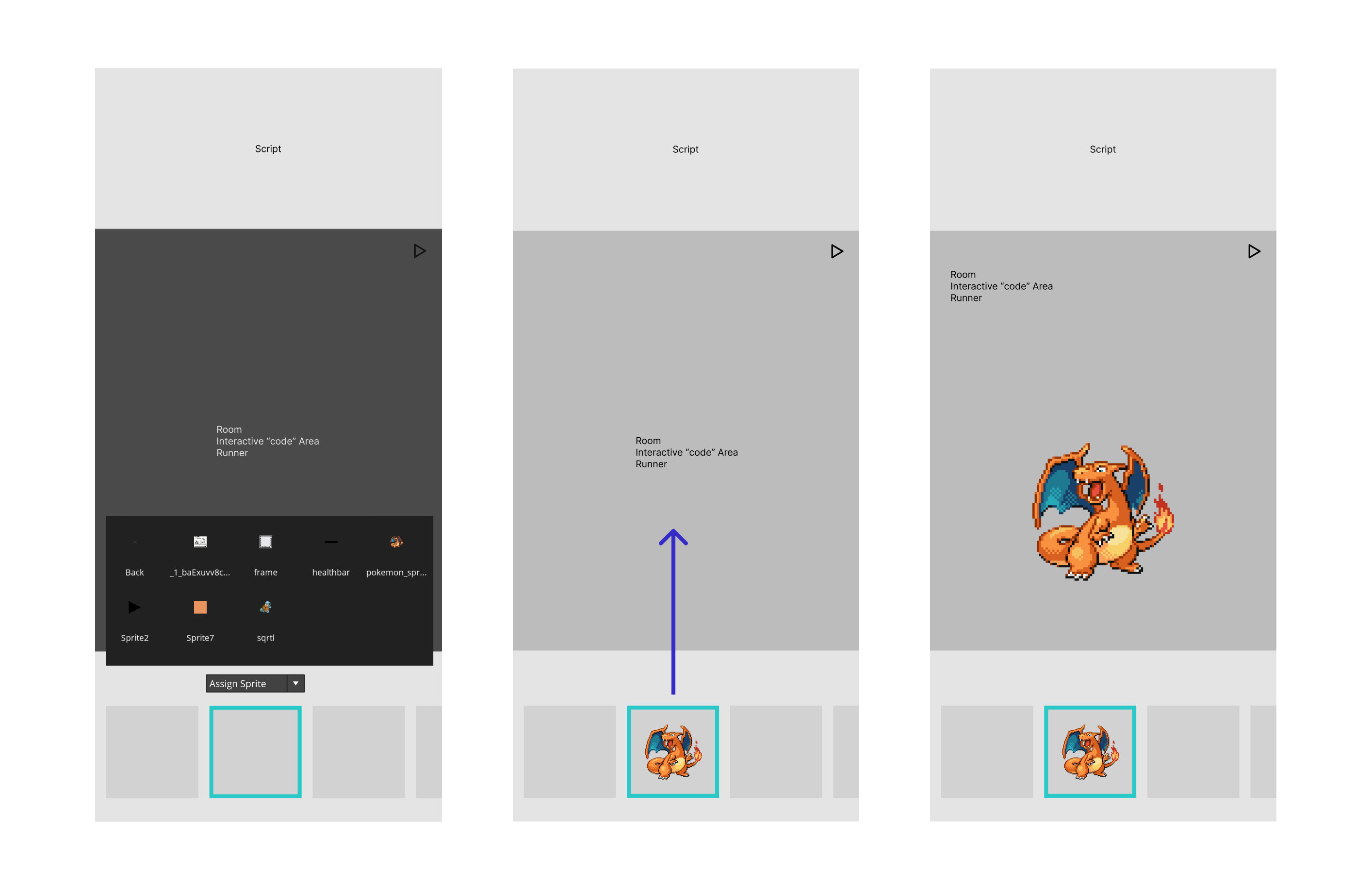
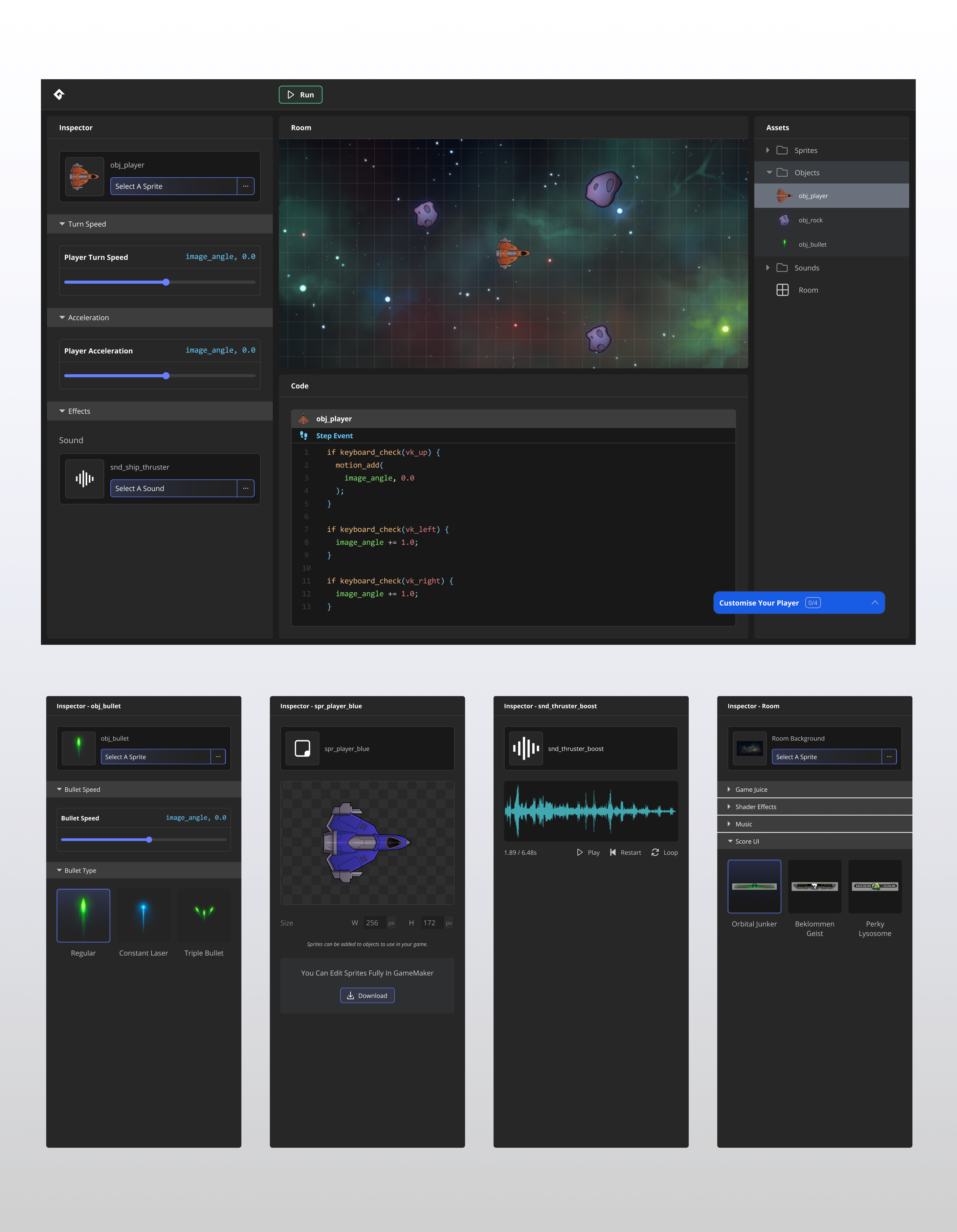
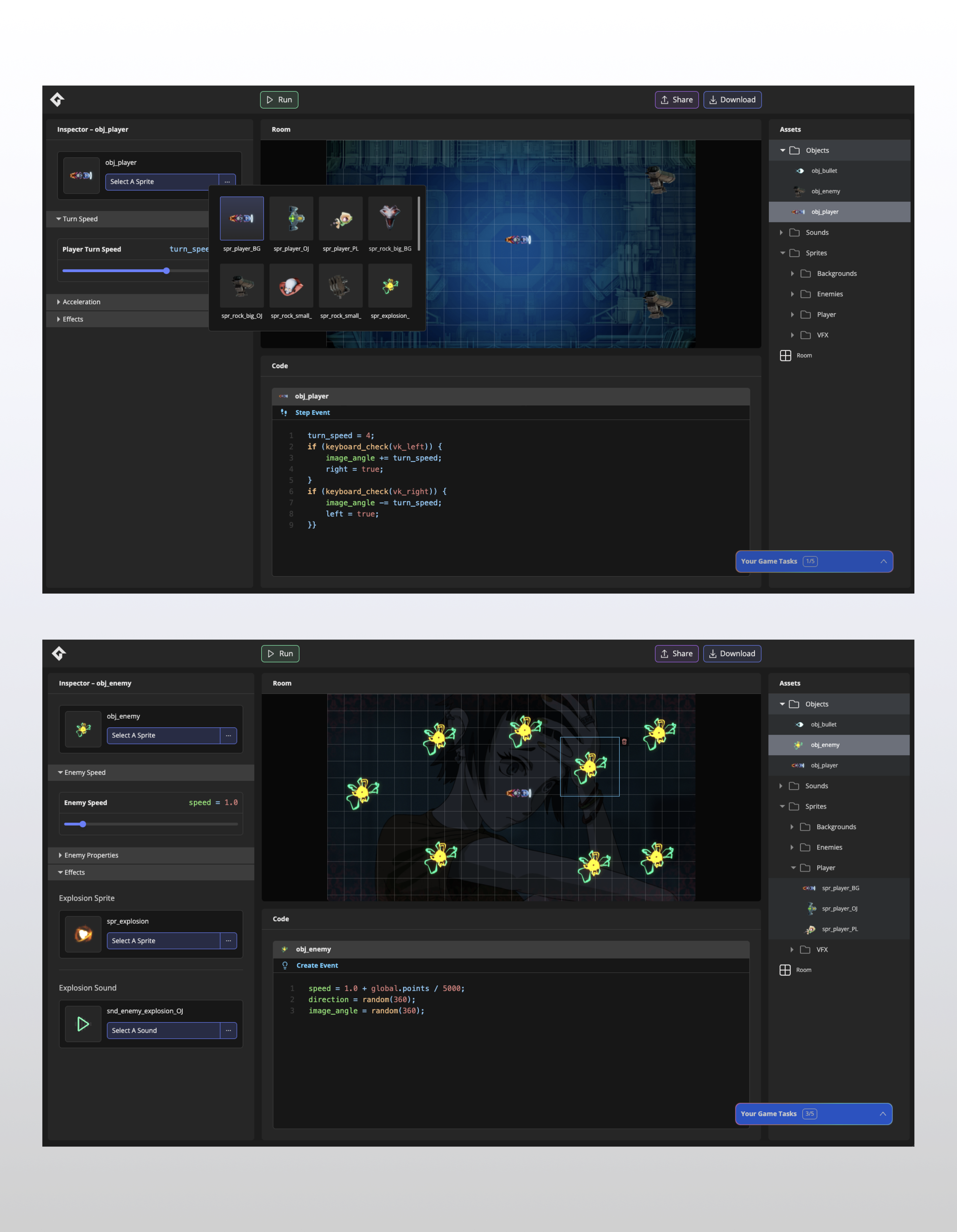
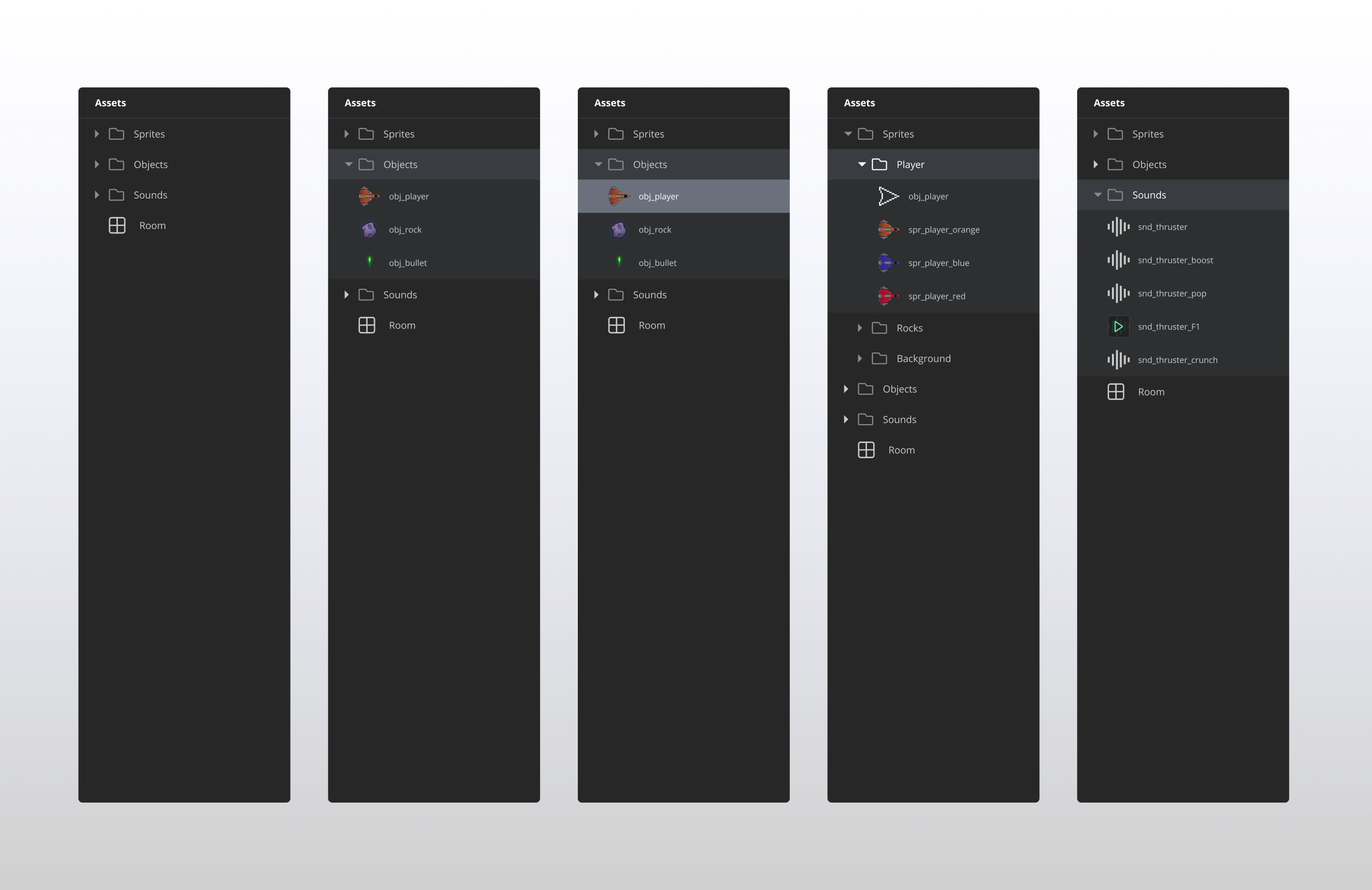
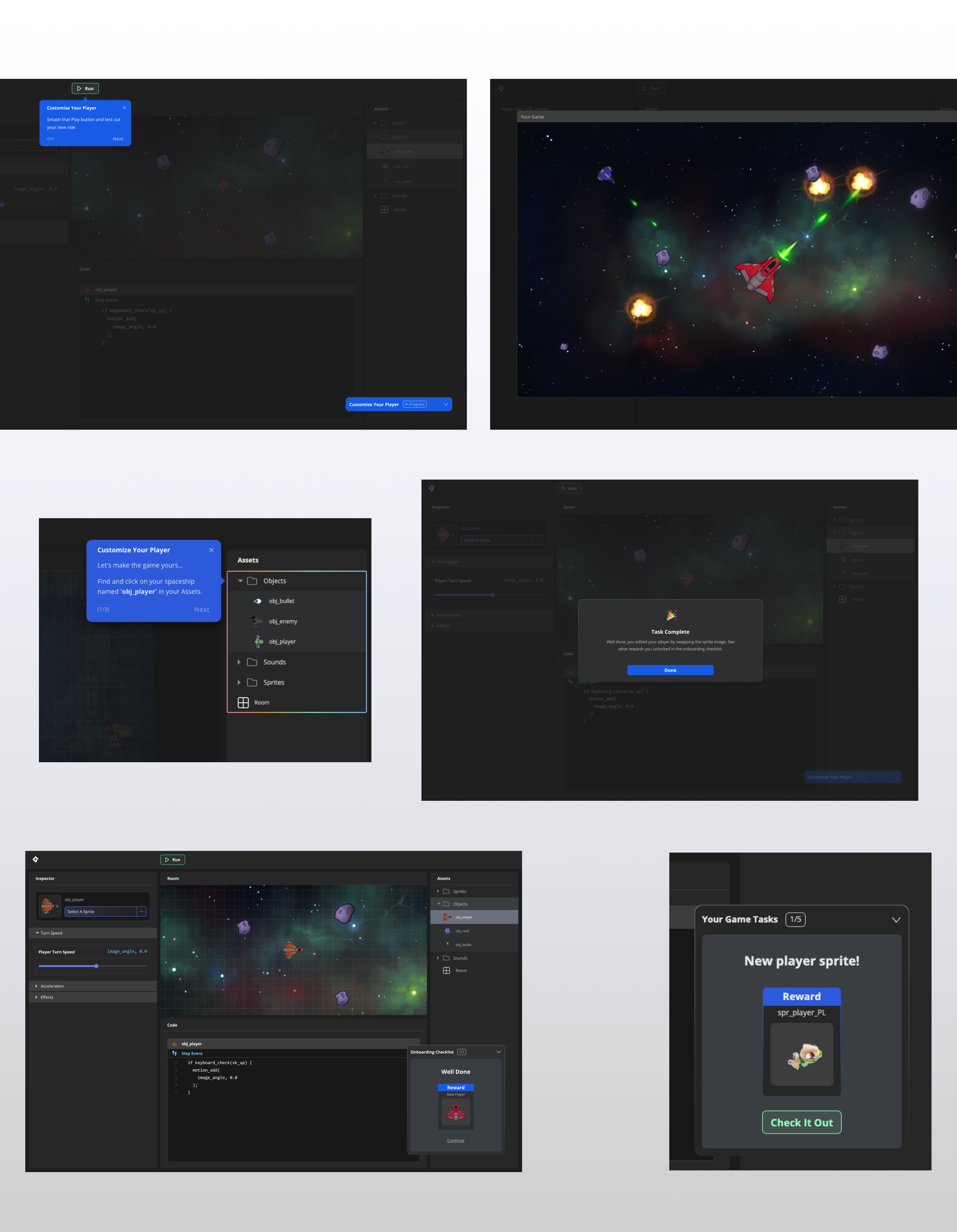
I designed a full-screen browser app that mirrored the GameMaker interface. Left panel for instructions and right for asset management, creating a familiar layout for users going into the IDE.
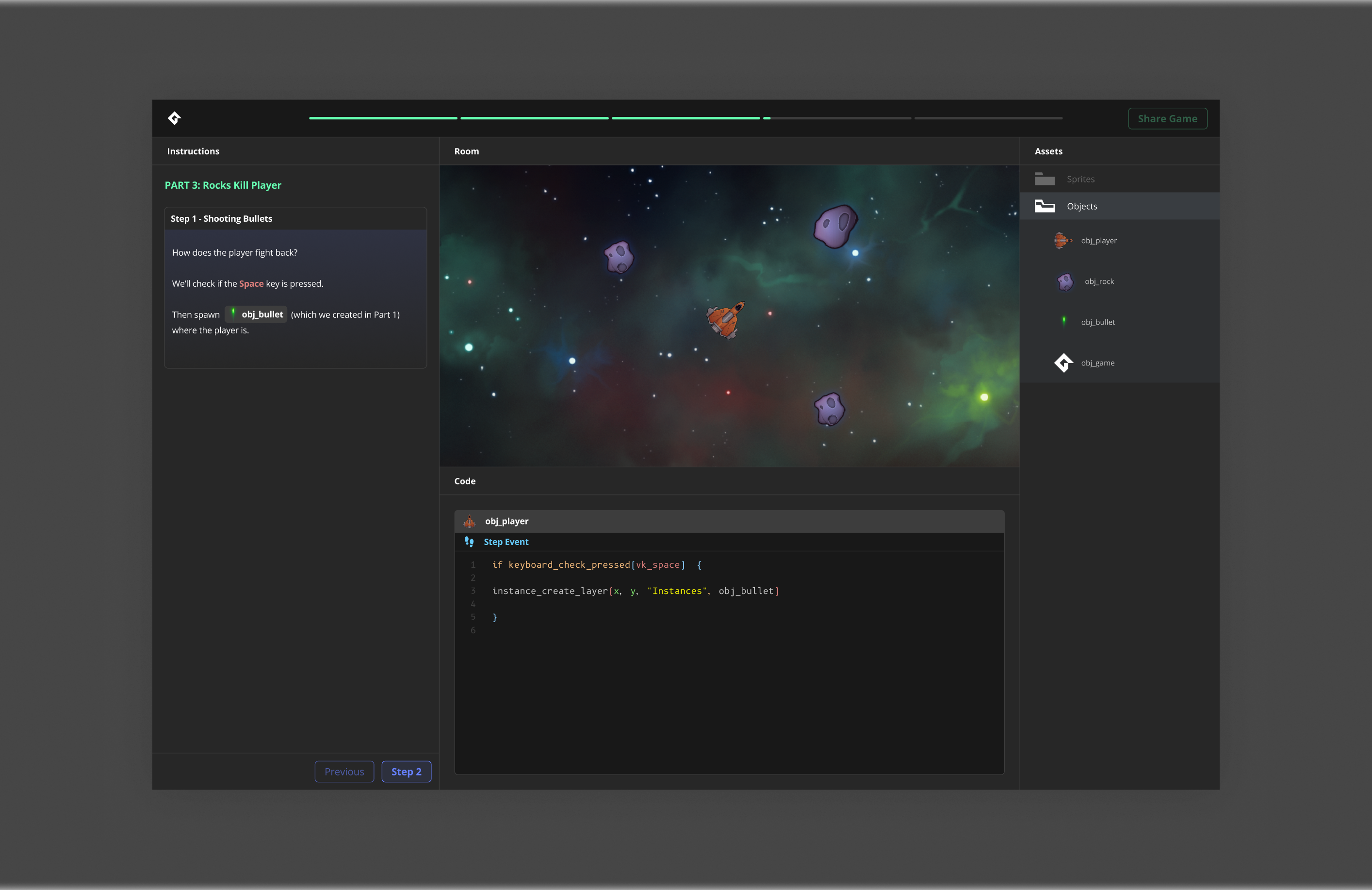
Updated the visual language to feel less dated and more focused towards a modern gamer facing audience.
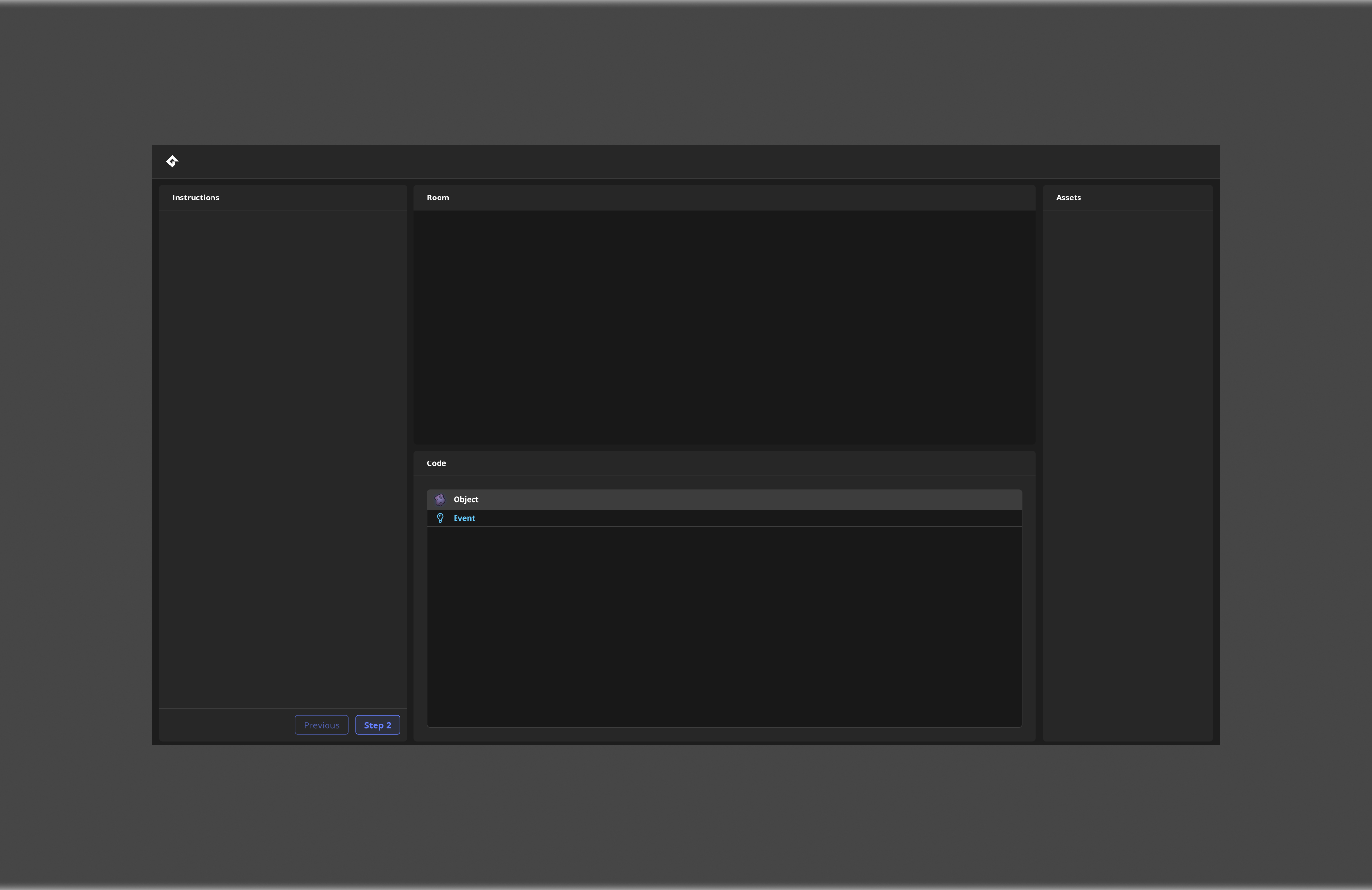
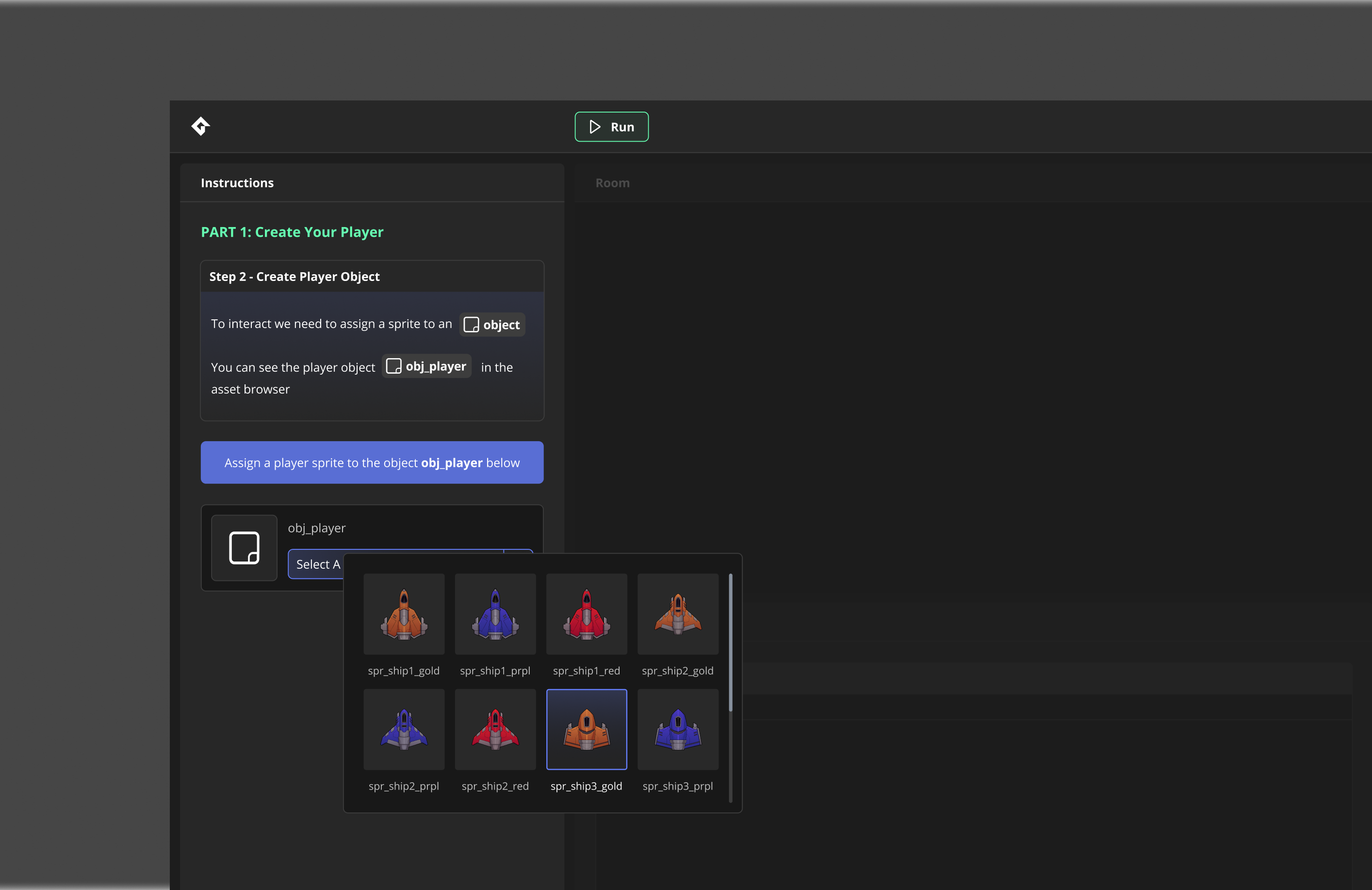


After some testing we discovered that it felt sterile and boring to non devs

Clear step by step instructions presented in a layout making things familiar
We flipped the model from step-by-step instruction to open exploration. Let users play the game first, then prompt them to break it open and mess with it.
Key features:
Three distinct asset packs with unlock-able assets
Reward system tied to experimentation
Core editing loop: Select asset → Edit properties → Edit in level→ Play
The sandbox taught the same workflows as a traditional tutorial, but disguised as a fun experience.
The open flow allowed user to make immediate customisations and play the game whenever they liked.
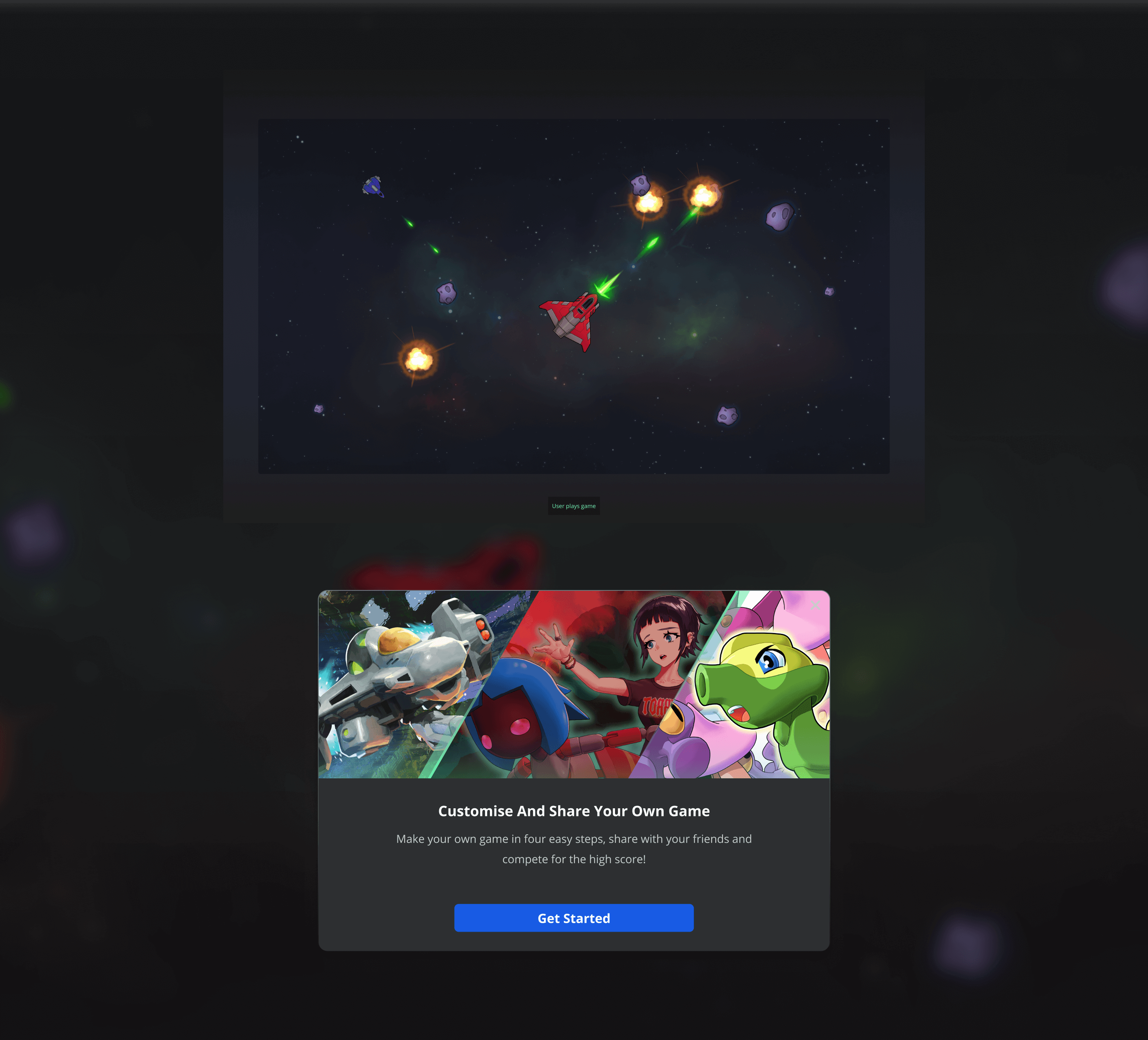
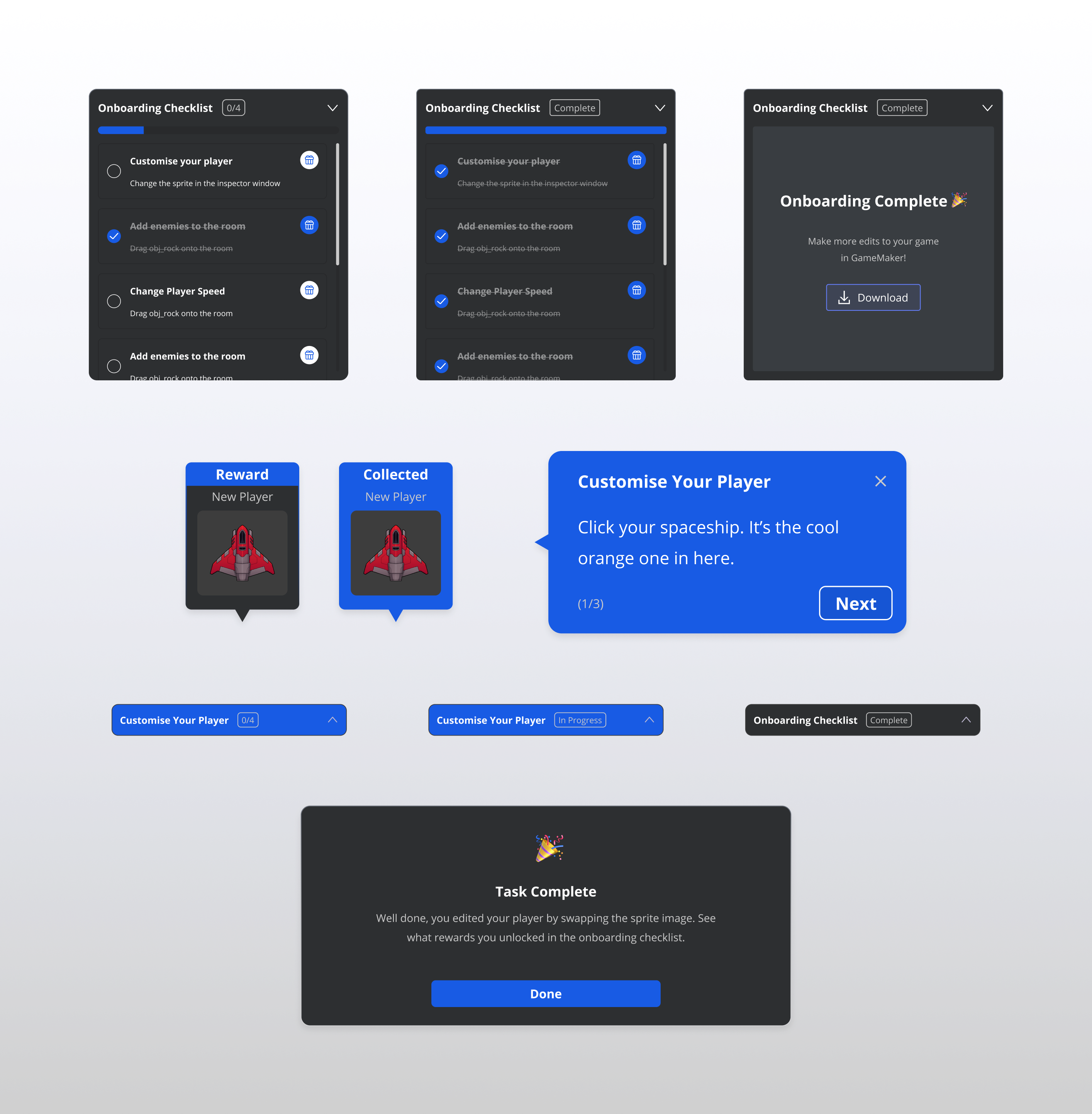
Tutorial walkthroughs available for users who wanted structure, with rewards to encourage progression.
More tasks completed = more customisation options.
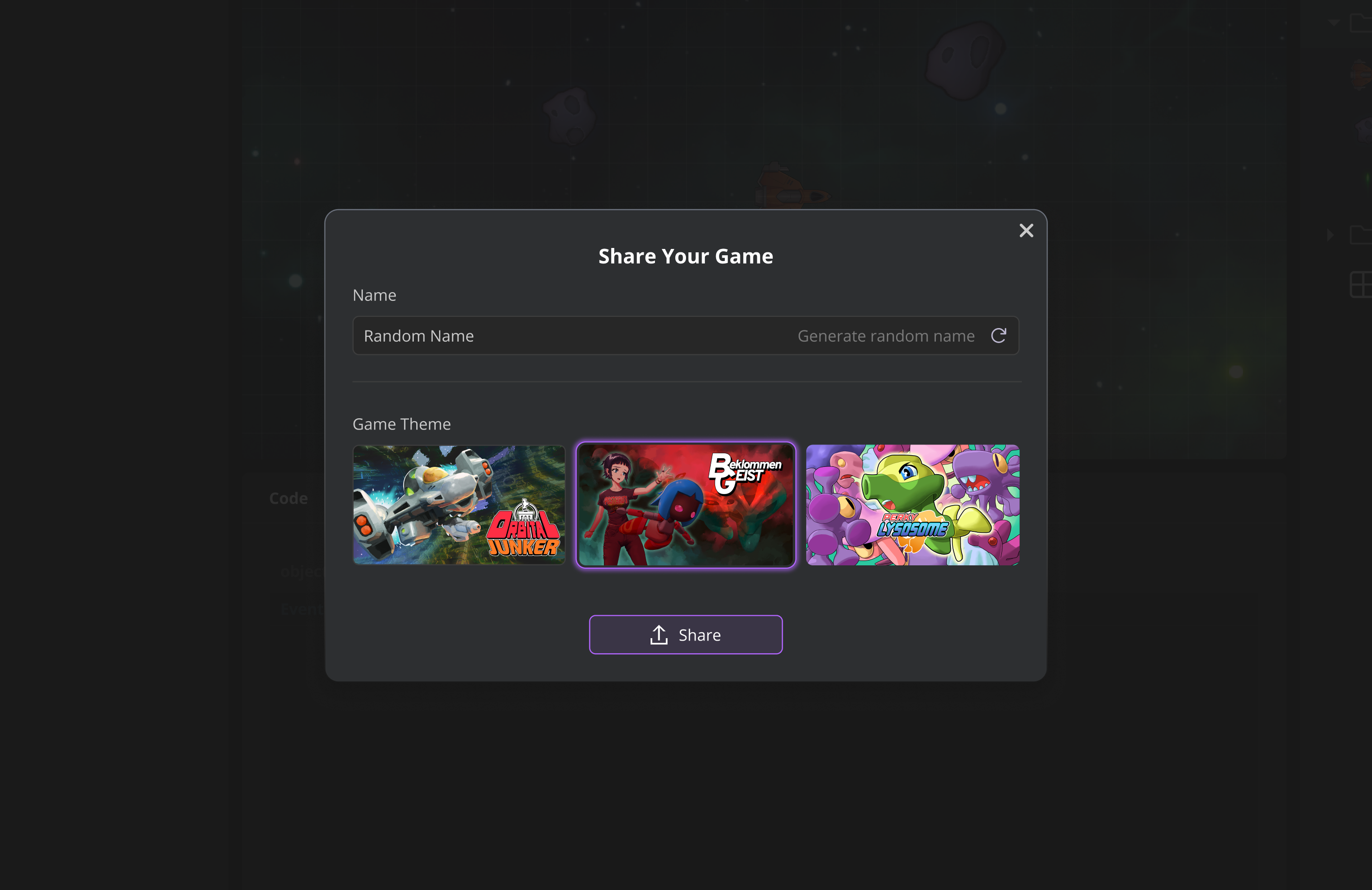
Users could publish games to GX.Games with unique titles. Added a random name generator that created funny combinations to gamify even the naming process.
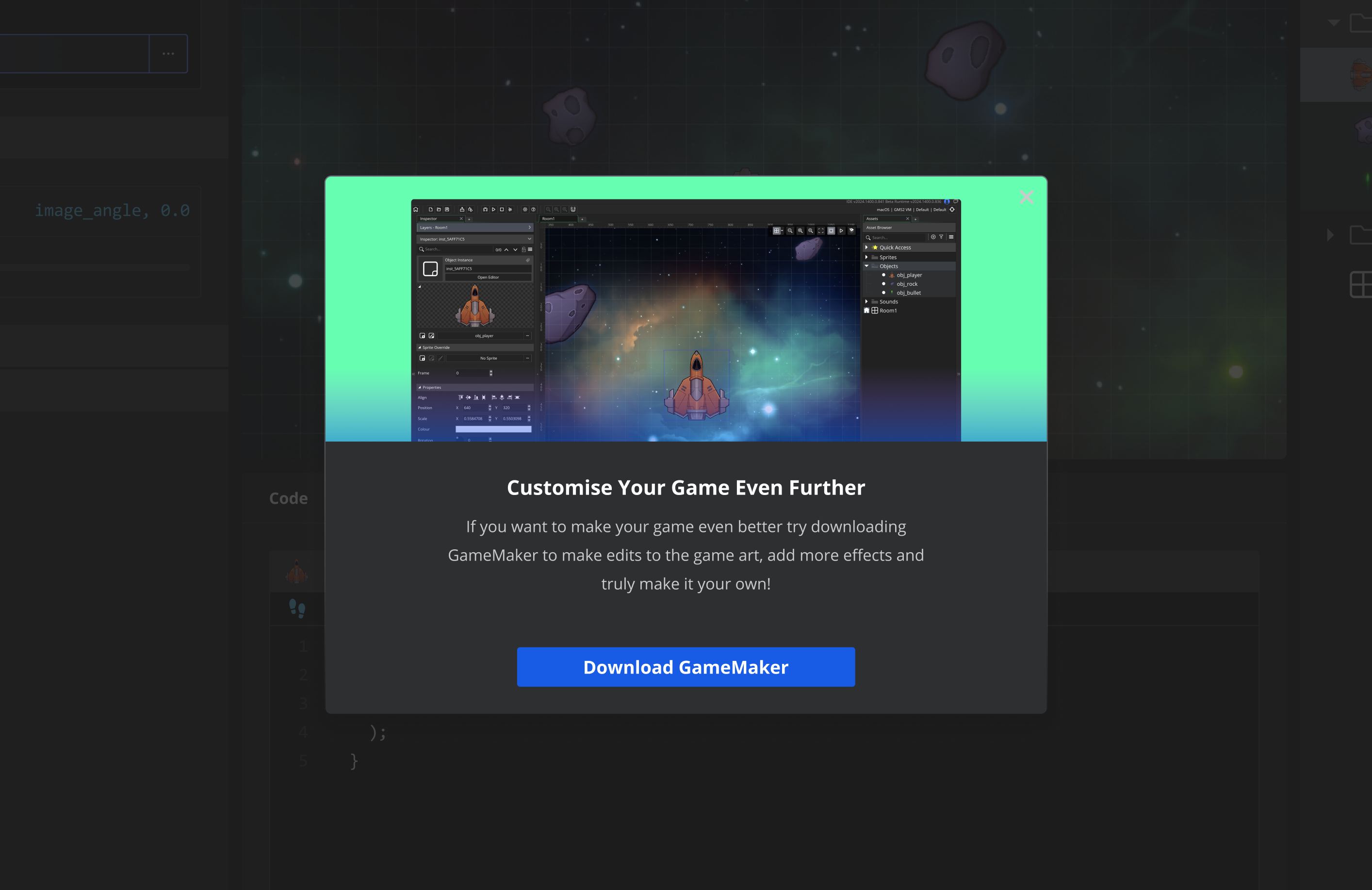
Strategically placed throughout the experience—when users hit limitations (trying to edit code, modify sprites). Each prompt reinforced why they'd want the full tool.
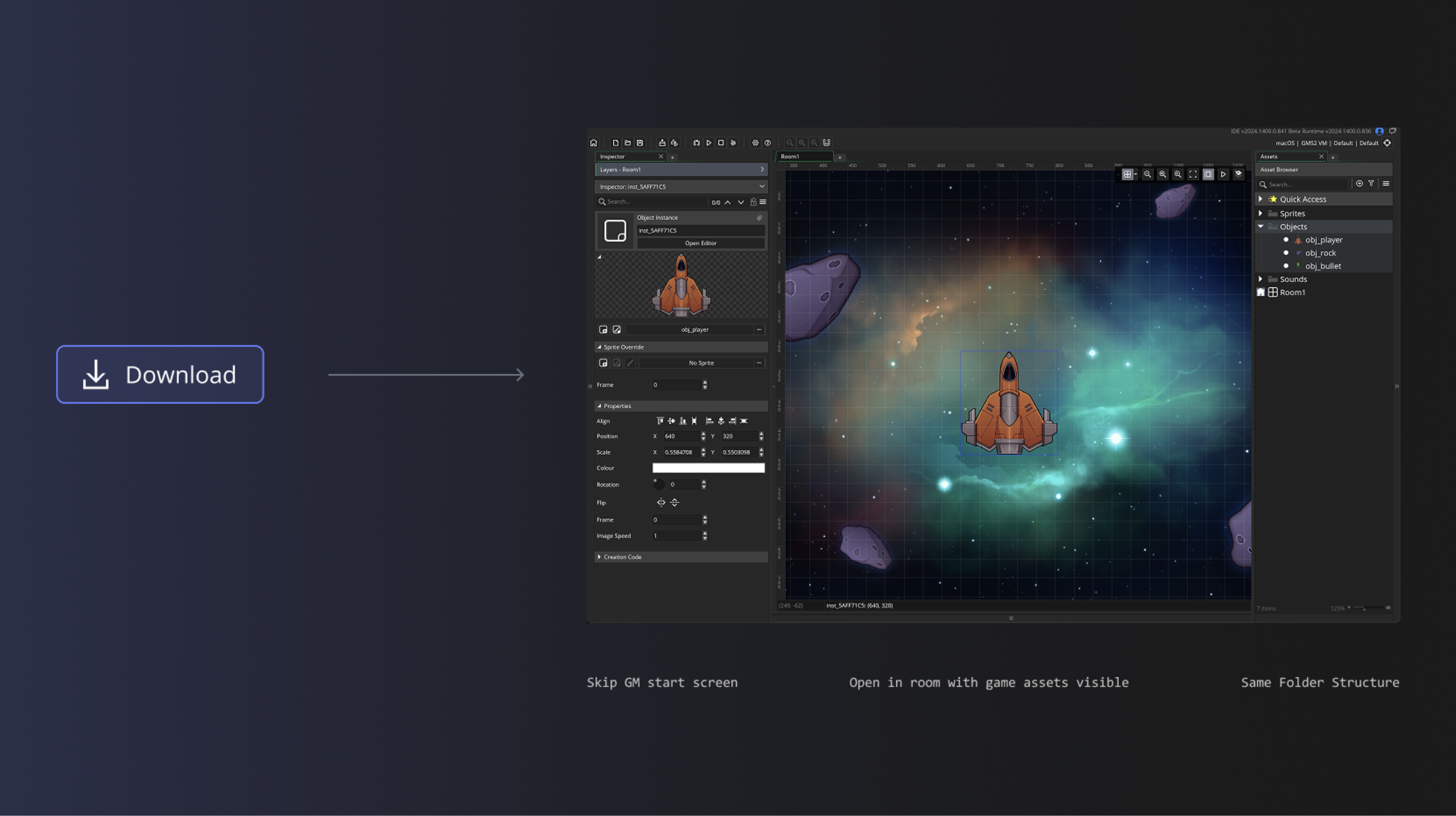
Avoided the start screen in the IDE entirely. Opened users directly into their project with the correct level loaded and asset browser populated. Keeping momentum instead of breaking it and showing them exactly what they were looking at in the web tool.
This project was just released (November 2025) and we are testing before promoting on a wider scale.
We are still gathering data and iterating on feedback currently but seeing positive results.
This project helped internal processes by smoothing out smaller internal milestones and working closer with developers on our design system for quicker handovers.
Over the last 8+ years at GameMaker I have worked on countless features, workflows and systems designs. I've collected a few snapshots for you to quickly get an idea of the developer tools I've helped create allowing people to make their dream games.